How to apply a BPS, IPS, UPS, or xdelta patch to a ROM
Apply an IPS, BPS, UPS, or xdelta patch to your ROM with the free online ROM patcher, then download the patched game. No uploads or account.
Patch a ROM in four steps
- Open the online ROM patcher.
- Drop your clean ROM and the IPS, BPS, UPS, or xdelta patch into 0x01 Inputs.
- Wait for checksumming, then open Checks. If the source does not match, fix the checksum mismatch first.
- Select APPLY & DOWNLOAD and save the patched ROM. Your original stays untouched.
A .bps, .ips, or .ups file is a patch, not a game: an emulator cannot run it until you apply it to the ROM it was made for.
What do you need?
You need the patch and your own copy of the exact game release it was made for. The files have different roles:
- Original ROM: the starting game file named by the patch author. Add it to Apply alongside the patch. Keep a clean copy.
- Patch: a file such as
.bps,.ips,.ups, or.xdeltathat describes changes to the original ROM. - Archive: a ZIP, 7z, or RAR that can contain a ROM, a patch, or both. Its extension identifies the archive, not the patch format.
- Output ROM: the new game file created by applying the patch. You download it and play it in an emulator or on supported hardware.
Keep the patch author's notes open and check:
- the region, such as USA, Japan, or Europe;
- the revision, such as Rev 0 or Rev 1;
- the checksum and its algorithm;
- whether the ROM has a header;
- the order, when there is more than one patch.
Compare the checksum, not the filename; how patching works explains why. Changing a patch's format does not fix a ROM mismatch. See patch formats or the tool comparison.
Without the source file, use Identify by checksum or game name below the empty drop zone or in 0x02 ROM. Search a checksum, or choose a game, system, region, and revision. The card shows locally indexed checksums and size. This search appears only when a weave or patch has not already named the expected source.
Keep one clean original somewhere safe. rom-weaver writes a separate result, but a known-good copy makes updates and troubleshooting easier.
Add the files
- Open Apply.
- Drop the ROM and patch into 0x01 Inputs, or choose Add files. A folder or supported archive also works; nested archives, CHD, and RVZ are unpacked.
- Wait for Reading and Checksumming. If asked, choose the entry the author named.
Files dropped on Home, Docs, or What's New offer matching workflows.
The resulting cards separate ROM, Patches & Cheats, and Apply controls. To change only the container, use Compress.
New here? Your first patch supplies homebrew files. Guided Apply waits for your files; Continue with none, past the Identify search, loads samples. The cheats tour supplies a sample code. Input routes lists other ways to add files.
Apply a BPS patch
Apply a BPS patch online with the clean ROM its author names. BPS records the source ROM's CRC32, so Checks shows a match or a mismatch before you apply; if it fails, follow Fix a source ROM checksum mismatch. Choose a plain output file unless your emulator or the patch author needs a compressed format, then test the result.
For multiple patches, check order and inputs; for output options, see choose the output and apply.
Apply an IPS or IPS32 patch
Add the .ips/.ips32 and source. These formats contain no source checksum: compare the author's digest using Checksum and check the header state. Successful application alone does not prove the ROM is correct.
Apply a UPS patch
Add the .ups and clean source. Check the card's input checks; resolve region, revision, or header mismatches before applying.
Apply an xdelta or VCDIFF patch
Add the supplied .xdelta, .delta, .dat, or .vcdiff and the exact image or track named by the author. Source checks depend on how the patch was made; compare any published source digest before applying.
Apply a PPF patch
Add the .ppf and exact ROM or track. Check the image layout and checksum; include the CUE and every BIN track for a BIN/CUE disc. For PPF3 undo data, see Undo PPF.
Apply APS, APSGBA, RUP, and other patch formats
The same input steps cover APS, APSGBA, RUP, SOLID, GDIFF, PAT/FireFlower, EBP, BDF/BSDIFF40, BSP, MOD/PMSR, DLDI, and DPS. Check the detected format and the author's source digest. The reference lists extensions and creation support.
Apply an HDiffPatch or HPatchZ patch
Add a single-file .hdiff/.hpatchz and its matching source. Check the author's digest. Directory patches marked HDIFF19 are unsupported; use the author's directory-patching tool.
Dreamcast DCP patches need the CLI
Use the CLI DCP procedure; browser Apply lacks that disc-sheet workflow. Adding a .dcp shows a failed patch card that names DCP and gives the CLI procedure's address as plain text, and Apply stays blocked. NINJA1 and PDS cannot be applied. See support limits.
Read the ROM and patch cards
The ROM card shows filename, size, system, and checksums. A filename mismatch is advisory; checksum or size mismatches are strict. Open Checks for details.
Patch cards show format, position, and input/output checks. The three-dot Patch actions menu edits details, replaces the file, or removes it. Header controls appear where applicable.
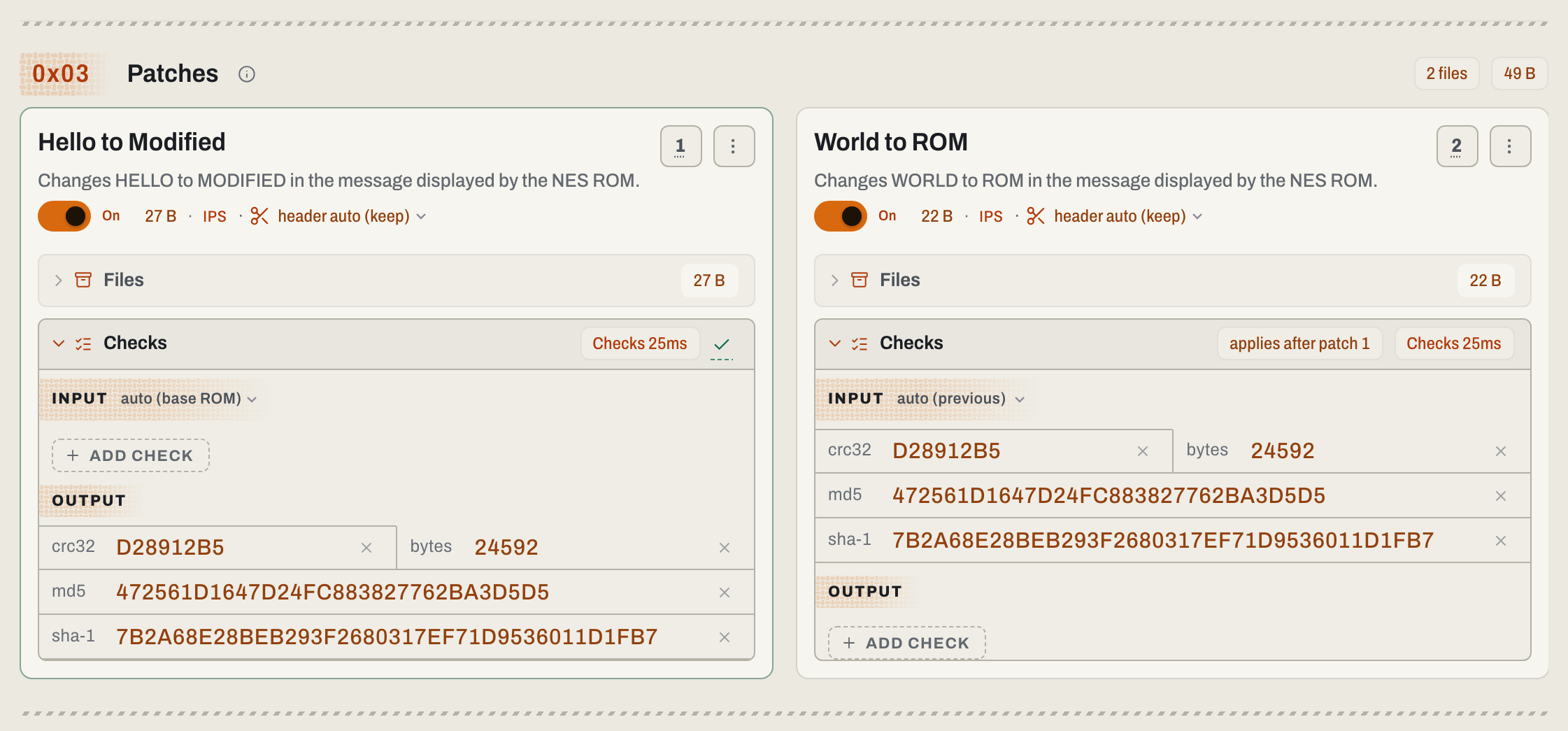
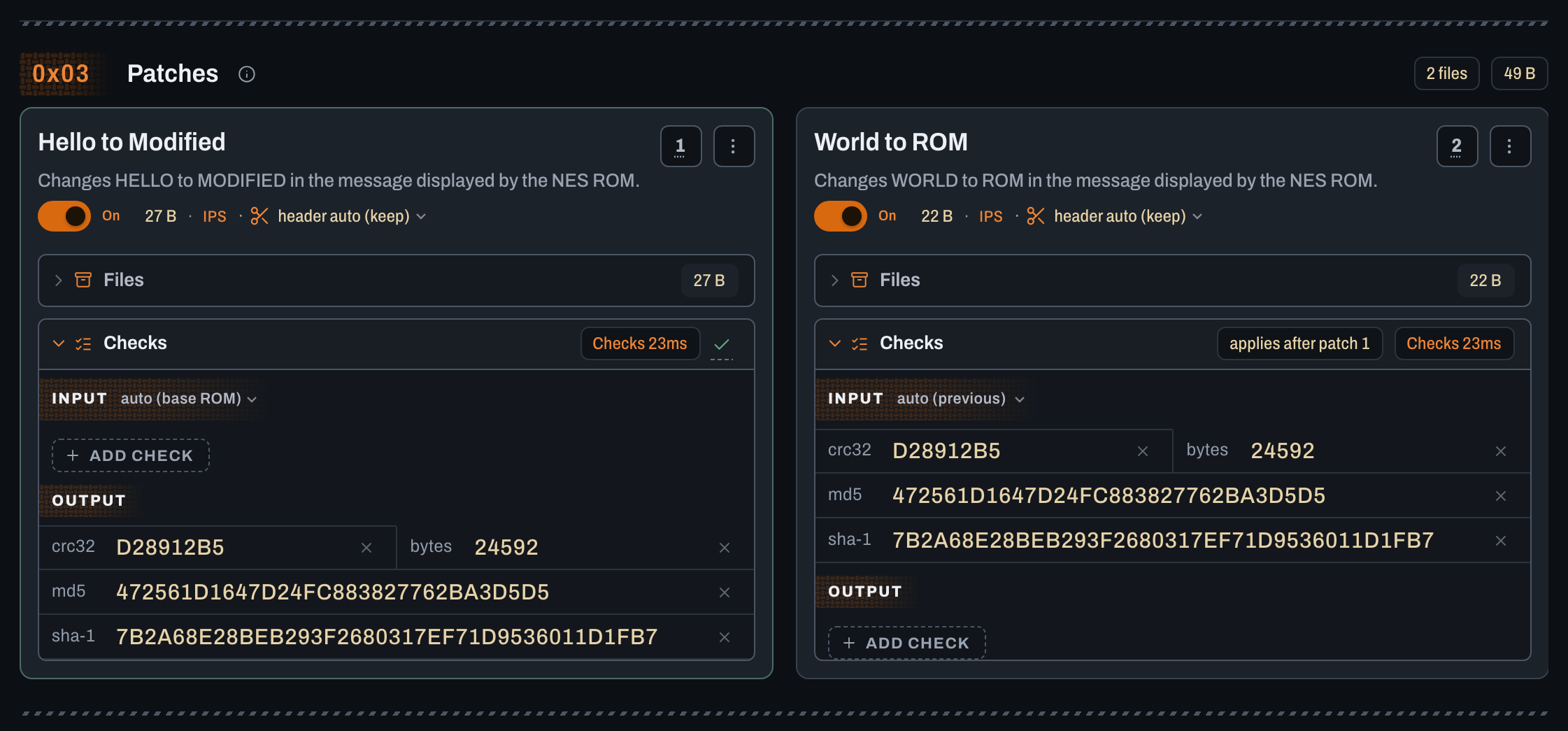
Apply multiple patches in order
Patches run top to bottom. Each input selector chooses the state it modifies: keep Automatic for checksum inference, Original ROM for the clean source, or Previous patch's result for the preceding result. Once checks run, Automatic shows what they detected, such as Original ROM (detected).
Drag a numbered handle to reorder; keyboard users can focus it and follow its announced controls. Switch optional patches On or Off only in tested combinations. Skipping a required base can break dependent patches.
Recheck Checks after changing order, inputs, or switches. Input checks describe the authored state. Embedded output checks describe a standalone patch's result, not necessarily the combined stack.
Patch the supplied synthetic CHD for a verified example: 01-first.bps reads the Original; 02-second.bps requires its output. The tutorial supplies intermediate and final checksums. Use your author's tested states for your own files.
Add cheats to the patch order
To start with a ROM and cheat codes, open Apply cheat codes.
In Patches & Cheats, select Add cheats to the patch order, then choose database entries or Add code manually. Place each code where it must run; it changes the preceding result. Check game/revision when matching by title, and resolve unsupported-code or write-conflict errors. Use cheats covers validation, export, and offline use.
Choose the output and apply
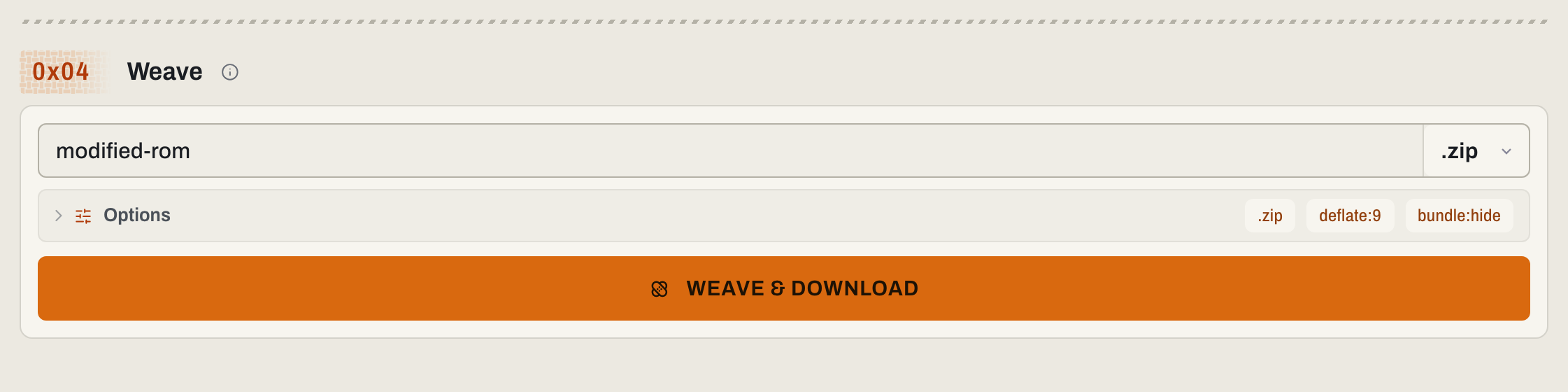
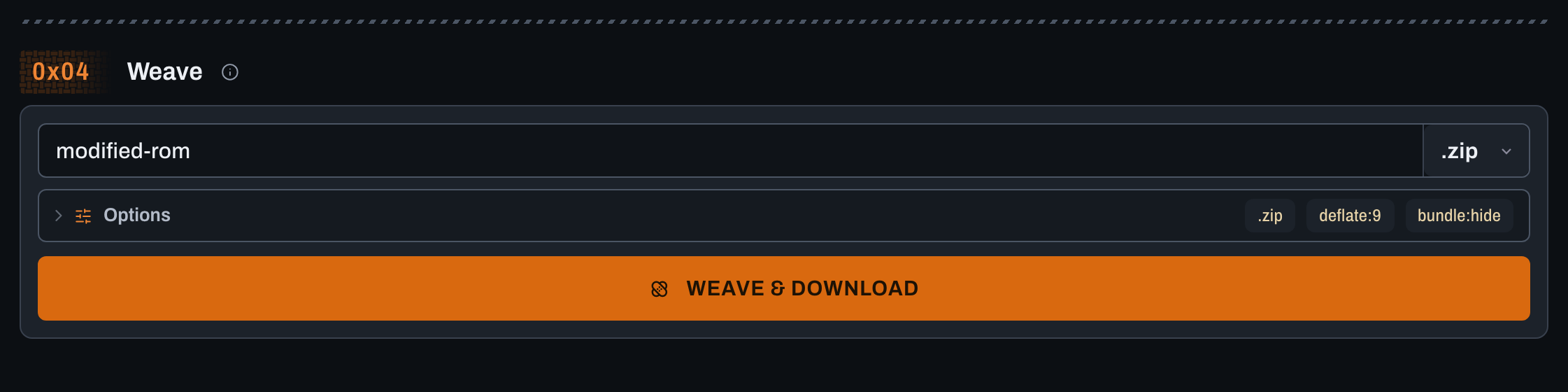
If APPLY & DOWNLOAD is disabled, wait for checksumming and resolve the nearby warning. In Apply:
- Enter a filename without an extension. Characters Windows rejects in file names (
< > : " / \ | ? *) become spaces, and control characters are removed, in the saved file, archive entries, and cue sheet references; the field keeps what you typed. A name with nothing usable left gets the automatic name. - The format selector starts on the ROM's own extension, such as .gba, or a ROM-specific format for disc images such as .chd. A .bin starts on .chd only when its contents show a CD image (content check) or a supplied cue sheet names it; a cartridge .bin stays on .bin. To keep the raw output, pick its own extension, such as .bin; a disc with a cue or gdi sheet has several raw files, so its raw choice names them, such as .bin/.cue or .gdi, and saves them together in one uncompressed .zip. Pick .zip or .7z only if you need a compressed archive; the selector adds the extension.
- Open Options for compression, output header, or weave controls when needed.
- Choose APPLY & DOWNLOAD, wait, and save the new file.
Download one combined patch
Expand Download a combined patch, set its filename and format, then choose Create patch & download. It reproduces the enabled patches and ROM cheats in order when applied to your Original ROM. Use one ROM file; multi-file ROMs are unsupported.
Create also supports this workflow.
Open a weave
A weave ZIP dropped on Home, Docs, or What's New opens in Apply Patches or Weave Patches.
Add the weave recipe to 0x01 Inputs, or open the author's preload link. Supply the matching ROM for a patch-only weave, review optional switches, and use APPLY & DOWNLOAD. To publish one, follow Create a weave.
If the ROM does not match
Fix checksum errors checks region, revision, archive selection, headers, byte order, patch order, and earlier edits. Do not bypass a mismatch to repair it.
Use the result safely
Test supported ROMs in the browser, or use your emulator/hardware. Exercise the modified parts; reaching the title screen does not prove every combination works. Keep the clean Original and name the output by project/version.
For automation, see CLI Apply; to author changes, see Create a patch. Files stay local.