Create a ROM patch in the browser
Create a patch from a clean ROM and your edited version, or combine an ordered set of patches and cheats into one patch for the clean ROM.
Original is the clean, untouched game; Modified is your finished translation, fix, restoration, or hack. rom-weaver records what must change to turn one into the other, so the direction matters - swapping them creates a patch that undoes your work.
Never done this before? The guided Create tour runs the same workflow on two tiny homebrew ROMs.
Prepare a clean release pair
Finish and test the Modified file before making the patch. Remove accidental save data, debug edits, temporary text, and any change you do not intend to ship.
Keep the Original clean. Do not use the result of an earlier patch unless you are deliberately making an update that requires that earlier release.
Give both files clear names. You may add supported archives: Create extracts the selected ROM entries before comparing them. Check the selected entries so you do not compare a readme, save file, or wrong disc track.
Write down the region, revision, and header state now. The Create cards will show checksums you can copy into the release notes later.
Add Original and Modified
- Open Create a ROM patch.
- Drop both files onto 0x01 Inputs, or choose Add files and select them. If more ROM candidates are available than Create can use, choose the Original and Modified files from the list. Extra files are not staged after you choose. If both files appear to be the same ROM, confirm before using them as a pair. Modified ROM is the default mode.
- Check the labels on 0x02 Original and 0x03 Modified.
- If they landed backwards, choose Swap between the two cards.
- Wait until reading and checksum work finishes.
Each card shows the selected file, size, detected system, and checksums. Open Checks to copy a value or to confirm the pair you meant to use.
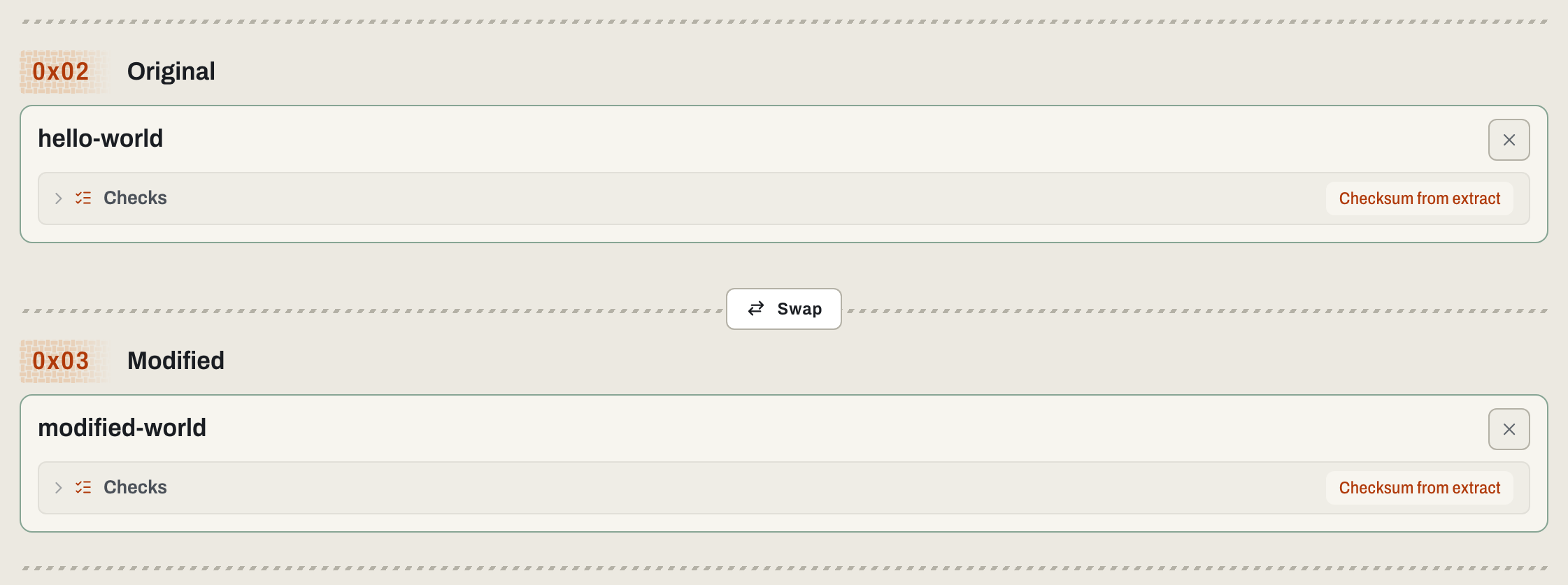
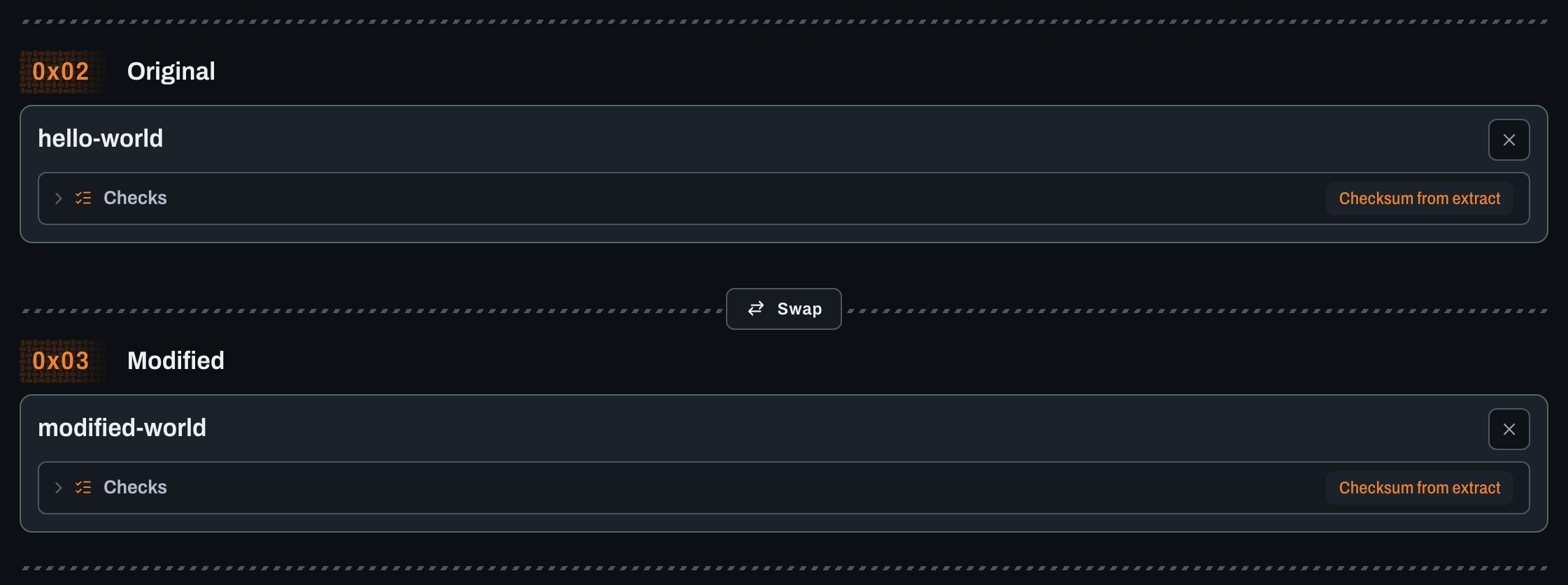
If both files have identical contents, Create warns that the patch would change nothing; check that you chose the right pair. If rom-weaver asks you to choose a file from an archive, stop and make sure you are comparing the ROM entries, not readmes, save files, or different disc tracks.
Build from patches and cheats
Choose Patches & cheats on 0x03 Modified, or open Create a patch from cheat codes, which starts in that mode; the step becomes 0x03 Changes. Patch uploads, including archives, select this mode automatically. Switching modes preserves your inputs.
- Add one clean Original ROM; multi-file ROMs are unsupported. If an Original is already loaded, choose whether the new ROM replaces it or becomes the Modified ROM.
- Add patches or choose Add cheats to the patch order.
- Select database cheats or use Add code manually.
- Order the enabled changes and resolve input-check or cheat warnings.
- Choose the patch filename and format, then Create patch & download.
The patch reproduces these changes when applied to the Original ROM. Try the guided cheats tour, or check supported-code limits.
Expand Download patched ROM for ROM compression options, or Download the weave to share. See weave packaging when cheats are enabled.
Choose a patch format
In Modified ROM mode, use 0x04 Patch to name the download and choose its format.
BPS is a strong default unless your community expects otherwise; Choosing a patch format compares the choices and their trade-offs. If you do publish IPS, put the Original's checksum prominently in the release notes - the format cannot carry it.
The format list in Create only offers formats rom-weaver can make for the files you selected. For example, a target smaller than the Original hides formats that cannot shrink a file, and MOD (.pmsr) appears only for Paper Mario (USA) v1.0.
To change an existing patch's format, convert it.
Create and download the patch
- Enter a patch filename without an extension.
- Select the patch format.
- Open Options when you want an archive. The download is the bare patch, such as
name.ips; set Type to .zip or .7z for an archive. - Choose CREATE & DOWNLOAD PATCH.
- Save the browser download somewhere separate from your working files.
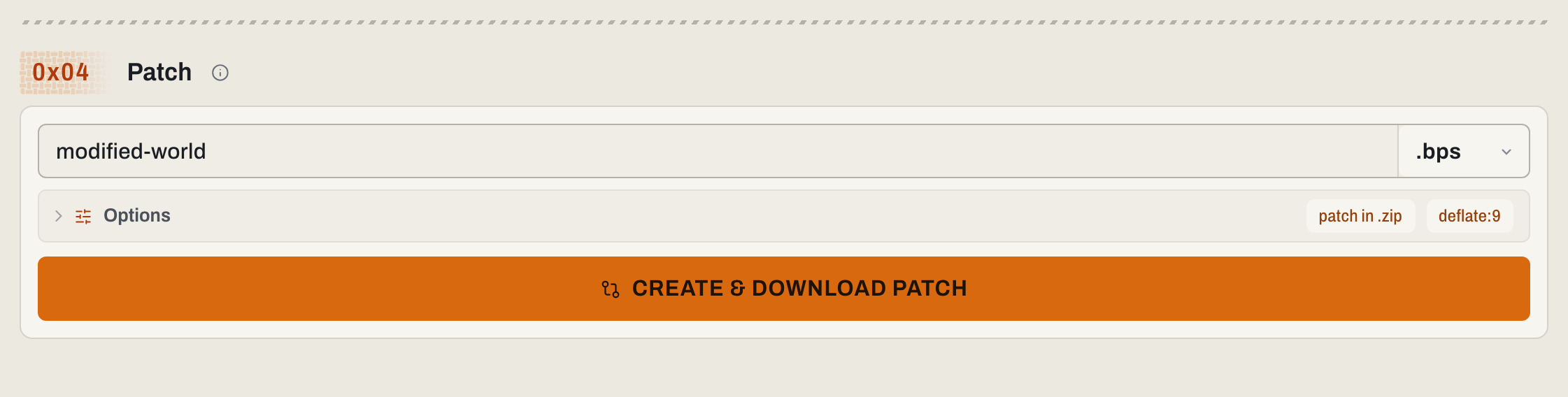
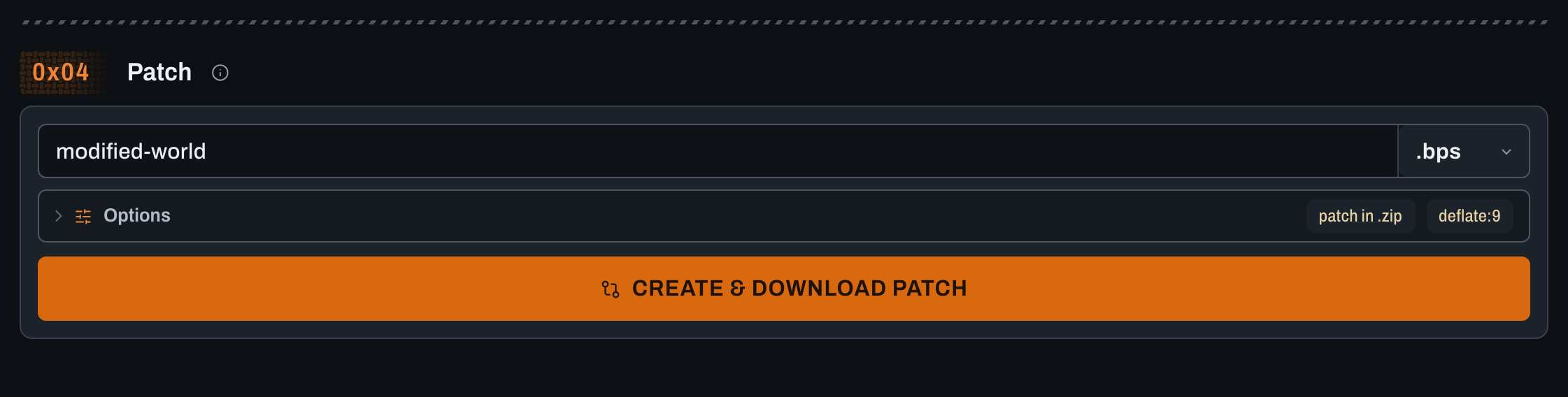
The browser reads both ROMs and creates the patch locally. None of those files are uploaded - see why your files stay on your device.
Test the downloaded patch
Your Modified file working does not prove the downloaded patch works. Test the artifact another person will receive:
- Open a fresh Apply page.
- Add a fresh copy of the documented Original.
- Add the patch you just downloaded.
- Confirm the card accepts the Original without a checksum warning.
- Choose APPLY & DOWNLOAD.
- Compare the result's checksum with the Modified checksum shown on Create.
- Launch the rebuilt result in the emulator or hardware you support.
Compare the same checksum algorithm on both files to check reconstruction, then play enough of the rebuilt game to test your changes. Reaching the title screen alone does not test the complete game.
Repeat the test for every supported optional-patch combination. Test from a clean browser page so loose files or old choices cannot hide a packaging mistake.
Write useful release notes
Tell users:
- the game title, region, and revision;
- the Original checksum and algorithm;
- whether a cartridge header is required;
- the disc image layout when applicable;
- the patch format and release version;
- the expected output checksum and algorithm;
- the order for multiple patches;
- which additions are optional and which combinations work;
- what changed, who contributed, and where to report a problem.
Several patches are easier to use as one weave, which carries the order, choices, checksums, patch files, and output settings so users do not have to copy them by hand. Continue with Share multiple ROM patches as one weave.
Release an update
Create every normal release from the same documented clean Original and the new Modified file. This gives new users one patch to apply.
Comparing version 1's patched result with version 2 makes an incremental update. It requires users to install version 1 first and in the exact expected state. That can be intentional, but say so clearly if you choose it.
For scripts or command-line publishing, use the CLI patch creation guide.